Search certificate
No certificate found.
Description of the symbols
How to find out about the status of a certificate
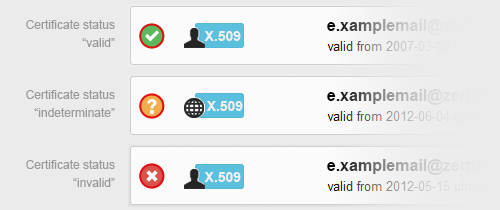
You can see the current status of a certificate in the left corner of the search result. We distinguish between "valid" (green), "indeterminate" (orange) and "invalid" (red) certificates.
Valid
The certificate was successfully validated against a trusted CA; it has not been revoked and is not expired.
Indeterminate
The certificate could not be validated (CA info not available).
Invalid
The certificate is expired or revoked.
How to identify the certificate type
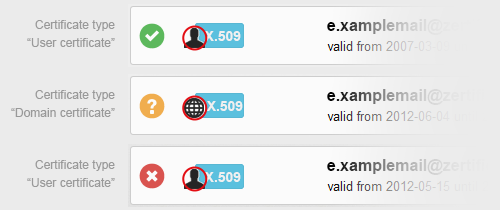
The type of a certificate is symbolized by the icons  for "user certificate" and
  for "domain certificate". Alternatively, you can move your mouse over an icon in order to identify the certificate type.